Firewall

What Is a Firewall and What Are Its Types

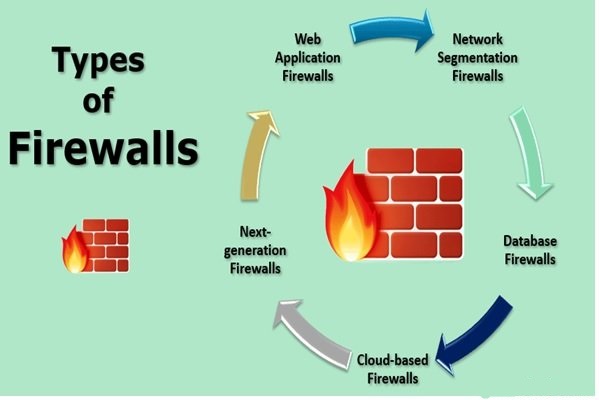
A firewall is a network Security device that allows home networks to exchange information securely. The firewall prevents hackers from quickly infiltrating networks and eavesdropping on information. Firewalls can be deployed across various architectures and…
Linux

How to Build a Linux Web Server: Step-by-Step Guide

Linux is one of the most flexible operating systems in the software world. It can be installed on an old computer and used without problems.  If you have an old Desktop or laptop computer, you…
Kali Linux

Why Kali Linux Is One of the Most Popular Linux Distributions

The open-source nature of the Linux operating System has led to the release of various distributions. Users and businesses welcome distributions depending on the capabilities and facilities they offer. Kali Linux is one of the…

What Is PowerShell in Windows — And What Can It Do for You

PowerShell in the Windows operating System is a task automation tool Microsoft developed to reduce the workload of administrators and users. This feature helps you automate simple Windows tasks and processes, allowing you to focus…
Linux

Linux: What It Is, Key Features, and Pros & Cons

Linux is one of the most powerful operating systems on the market. It is completely open-source and very popular among programmers. The Linux operating system was developed in 1971 by the American Telephone and Telegraph…
ERR_Connection_Refused Error

How to Fix ERR_CONNECTION_REFUSED — Practical Troubleshooting Guide

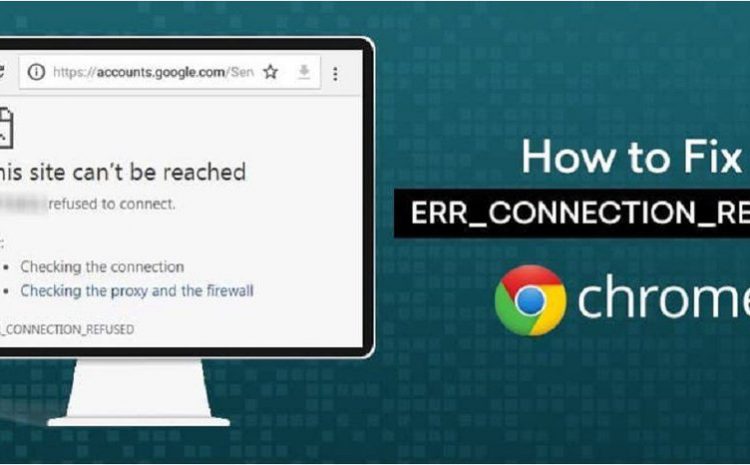
ERR_Connection_Refused Error: You may want to visit a website, but your Chrome browser will display the ERR_Connection_Refused message. If this happens, you will not be able to access the website. There can be many reasons for…
Desktop Icons

Effortless Desktop Clarity: How to Selectively Hide Desktop Icons in Windows 10

Are you planning to hide Desktop icons in Windows 10? This article will teach you a simple way to selectively hide Windows 10 desktop elements. You can use Windows 10’s feature to hide all desktop…

7 Simple Ways to Take a Screenshot in Windows 10

Taking screenshots is a quick way to save part or all of the screen. Fortunately, taking screenshots in Windows 10 is simple and can be done in several ways. How to take a Screenshot in…

How to Boot Windows in Safe Mode — Complete Guide for Troubleshooting

Starting Windows in Safe Mode is the best option if you cannot access your System. There are many ways to do this, depending on the circumstances, one must be chosen. One common way to troubleshoot…
DNS Server

How to Change DNS Server Settings and How to Enable DoH

Laptops, PCs, mobiles, and tablets: Use the default DNS set on the router. They do unless we change them. This DNS is what the Internet service provider (ISP) provides. This DNS server weakens Security and…