Microphone

How to Choose Your Microphone in Windows 11

When Using Windows 11, You May Need To Switch Audio Inputs Between Multiple Microphones Connected To Your Computer. Microphone in Windows 11. Fortunately, Windows has made this process relatively easy. Change the microphones in Windows…
Ruby and Python

Python vs. Ruby: Which Language Should You Choose in 2025?

This article will examine the primary distinctions between Ruby and Python, two of the most widely used and dynamic programming languages in current use. Both languages emphasize developer productivity and code readability, each with strengths,…
WSL

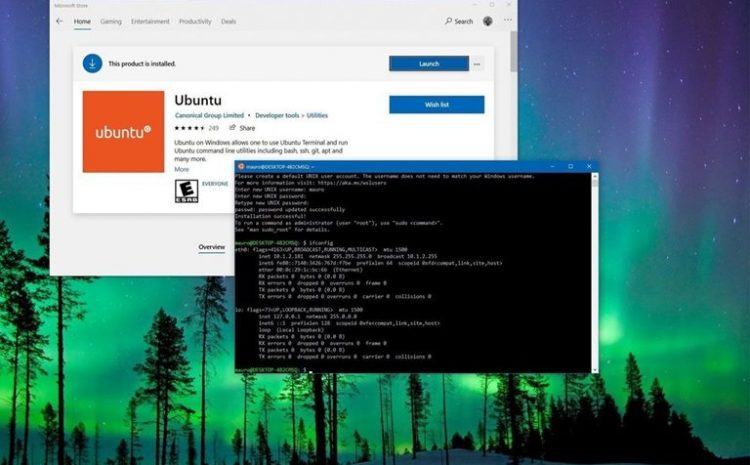
How to Install Windows Subsystem for Linux (WSL) on Windows 10

Using the Windows Linux (Wsl) Subsystem, You Can Install Linux alongside Windows 10 without the need for a second device or virtual machine. Windows Linux (Wsl): In Windows 10, Windows Subsystem for Linux (WSL) is…
How to Connect to a Windows VPS from an Android Device?

How to Connect to a Windows VPS from an Android Device

In today’s fast-paced world, mobility and instant access to your digital assets are more important than ever. Whether you’re managing websites, databases, or critical business applications hosted on a VPS (Virtual Private Server), controlling your…
Install Windows

How to Install Windows & Linux from USB: Step-by-Step Guide

USB Drives Are The Most Convenient Device When You Need To Get A Media Boot. Due to their easy access and adjustability, USB Drives Have Slowly Overtaken CDs or DVDs.  Install Windows and Linux Via…
Free Up

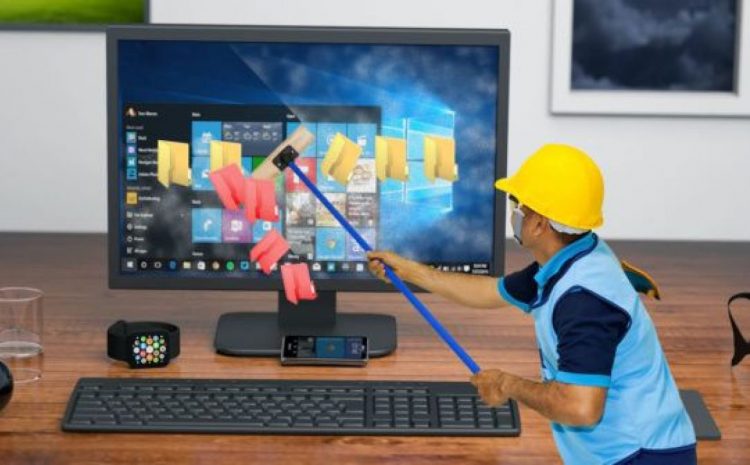
Free Up Your Computer’s Hard Drive By Deleting These Windows Files And Folders

Your Windows PC Contains Many Files And Folders You Do Not Need, From Hidden Caches To Old Files That Take Up Only Hard Disk Space.  Free up hard disk space and gain more space, so…
Voice In Windows 10

How to Type Using Your Voice in Windows 10

How to Type Using Your Voice in Windows 10: This Article Teaches You How To Enable Speech-To-Text Conversion In Windows 10 And How To Work With It. If You Are Tired Of Typing, We Have…
How To Turn Off Windows 11 Animations

How to Turn Off Windows 11 Animations for Better Performance

In This Short Article, We Will Teach You How To Turn Off Windows 11 Animations. Microsoft has used eye-catching effects and animations on Windows 11.  But suppose you decide to install Windows 11 on a computer that does…
Dual Boot

How to Solve the Problem of Not Showing Dual Boot in Windows 10

After Installing The Two Operating Systems Side By Side, the Windows Boot Configuration may Have A Problem, Causing The User Trouble. Dual Boot: In Windows 10, we will teach you three different ways to solve…
Downgrade

How to Downgrade from Windows 11 to Windows 10

Users Are Always Interested In Installing Trial Versions Of New Windows, but in the meantime, Some Problems Cause them to Decide To Downgrade To The Previous Version Of Windows.  Read down, and we will teach…