RAM

How to Fix Windows Not Using All Available RAM

RAM is one of the essential components of computer systems, and any defect or deficiency in RAM slows down the system’s performance. Many software and hardware problems can prevent the full use of RAM and…
Block

How to Block Websites in Windows, Google Chrome, and Firefox

Although the life of most of us has reached a higher level with the Internet, sometimes an annoying or inappropriate website can create a bad experience for you. In such cases, you can think about…

How to Reduce Background Noise on Mic Windows

How to Reduce Background Noise on Mic Windows

In this article, I intend to speak Reduce Background Noise on Mic Windows. Whether you are calling on Skype or in online business meetings, your laptop’s internal microphone plays an important role. The microphone is…
Speed

How to Speed Up Windows 10 Boot Time — Proven Optimization Tips

Since computers have become essential to our lives, their speed and efficiency are critical to us. Especially the widely used Windows operating system, because of the time we allocate for setting it up, we expect…
Windows Registry

What Is the Windows Registry? Answers to All Your Questions

The Windows registry is a database that stores settings, information, and various options of Windows and installed software. The Windows Registry allows you to customize, optimize, and repair Windows. In this article, we will discuss the…
How To Recover Information That Has Been Deleted From The Windows Recycle Bin

How to Recover Information That Has Been Deleted from the Windows Recycle Bin

 Windows Recycle Bin, Did You Know It Is Possible To Recover Windows Data That Has Been Deleted From The Recycle Bin? Here We Teach You 5 Ways. What’s the first thing you do when you…
System Restore

Unlock Peace of Mind: How to Enable System Restore in Windows 11 & 10

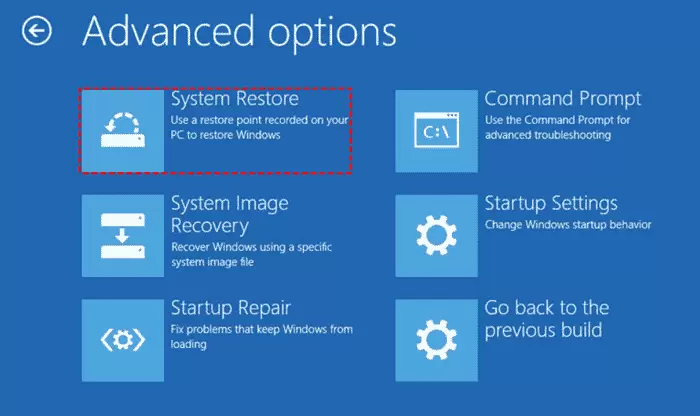
System Restore is an important backup feature in Windows 10 and 11. This feature allows you to create restore points before installing new programs, drivers, or Windows updates. If something goes wrong with something you’ve…
18 Ways to Copy Files Faster in Windows

18 Ways to Copy Files Faster in Windows

The slow transfer or copying of files in Windows is not a new issue. Many users complain about the low speed of transferring files to other folders or Flash and external hard drives, especially if…
programs

Teaching the best ways to delete programs in Windows 10

Do you want to remove Windows 10 programs? There are methods and applications to delete programs in Windows 10, with the help of which you can easily delete your programs. Teaching How can the Windows…
Password Management

Top Password Managers of 2025: Secure Your Digital Life

Once upon a time, when we needed to create a user account, we specified the date of birth or “1234” as a password. Now, using such simple Password Management is like pointing a weapon at…