Kali Linux

Why Kali Linux Is One of the Most Popular Linux Distributions

The open-source nature of the Linux operating System has led to the release of various distributions. Users and businesses welcome distributions depending on the capabilities and facilities they offer. Kali Linux is one of the…
Malware

What Is Malware, How It Works, and How to Deal With Threats

Malware is any software intentionally designed to harm a computer, With Threats, servers, clients, or computer networks (as opposed to bugs). Software that causes unintentional damage, such as a malfunction, is malware.  Many types of…
What Is PowerShell in Windows — And What Can It Do for You

PowerShell in the Windows operating System is a task automation tool Microsoft developed to reduce the workload of administrators and users. This feature helps you automate simple Windows tasks and processes, allowing you to focus…
ERR_Connection_Refused Error

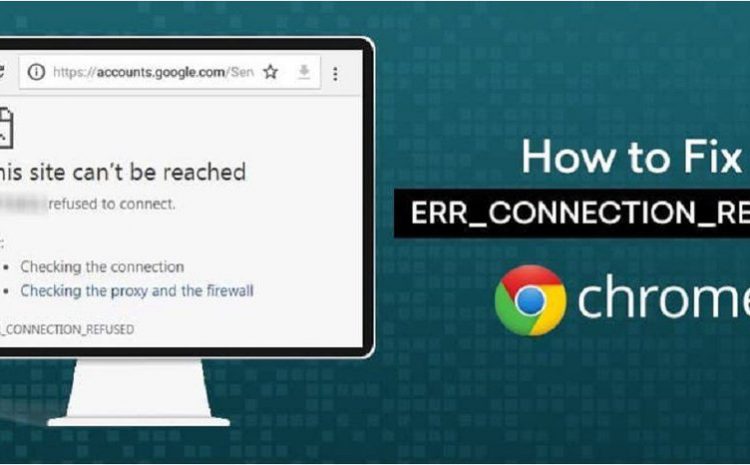
How to Fix ERR_CONNECTION_REFUSED — Practical Troubleshooting Guide

ERR_Connection_Refused Error: You may want to visit a website, but your Chrome browser will display the ERR_Connection_Refused message. If this happens, you will not be able to access the website. There can be many reasons for…

How to Take a Screenshot in Firefox Browser

If you use Firefox, you can take screenshots of web pages or selected areas. You can do this using the tools available on Windows, Linux, and macOS without installing the plugin. Access the Firefox screenshot…
Desktop Icons

Effortless Desktop Clarity: How to Selectively Hide Desktop Icons in Windows 10

Are you planning to hide Desktop icons in Windows 10? This article will teach you a simple way to selectively hide Windows 10 desktop elements. You can use Windows 10’s feature to hide all desktop…

7 Simple Ways to Take a Screenshot in Windows 10

Taking screenshots is a quick way to save part or all of the screen. Fortunately, taking screenshots in Windows 10 is simple and can be done in several ways. How to take a Screenshot in…

How to Boot Windows in Safe Mode — Complete Guide for Troubleshooting

Starting Windows in Safe Mode is the best option if you cannot access your System. There are many ways to do this, depending on the circumstances, one must be chosen. One common way to troubleshoot…

What Is the Difference Between TCP and UDP Protocols — A Clear Comparison

You may have encountered TCP and UDP while setting up port forwarding on the router or configuring firewall software. But do you know what these two protocols are and what distinguishes them? TCP and UDP…
Save Emails

How to Save Emails in Your Gmail Account as PDF

To Save Emails In Your Gmail Account As PDF: Saving emails as PDFs in Gmail is one way you can save your emails to Google’s email service for offline reading. Here’s how to do it…