
Solutions for Common Network Error Messages: Quick Fixes and Explanations

If Your Network Connection Is Not Configured Properly Or Has A Technical Glitch, You Will Usually See Some Error Messages On The Screen. These Messages Provide Useful Clues About the Nature Of The Problem, Which You Can Use To Get Information About Its Cause. Use the following list of standard network error messages to troubleshoot network issues.
Some Common Network Error Messages
Error: A Network Cable Is Unplugged
These messages appear as a Windows Desktop balloon. Various conditions, such as improper cabling or problems with the device drivers, can cause this type of error, each with its own solution.
If the connection is wired, your access to the network may be lost, so it is better to solve the problem as soon as possible. If the connection is wireless, your network will likely be working as usual, but this error message will keep appearing until the issue is resolved, which can be frustrating.
IP Address Conflict (Address Already in Use) Error
If a computer is manually configured with an IP address used by other devices on the network, that computer (and possibly another device) will no longer use the network. For example, configure two devices with the IP address 192.168.1.115. To fix this error, change the computer’s IP address if it is assigned manually.
This problem can also occur if you assign an IP address with a DHCP service. Turning the router and the computer on and off often fixes the problem. This error is not very common and occurs rarely.
The Network Path Cannot Be Found Error.
Updating the TCP/IP configuration can fix the problem when connecting to another device on the network.
You may see this error if the two devices’ time or date is different, or if you do not have the correct permissions to access the source.
Duplicate Name Exists on the Network Error
After turning on a computer connected to a local network, you may see this error as a Windows balloon message. If this happens, your computer cannot access the network. Changing the computer’s name may fix the problem.
Limited or No Connectivity error
When you try to open a website or network resource in Windows, you may receive a pop-up error message that starts with “Limited or No Connectivity.” Resetting the TCP/IP stack is a common way to fix this error.
Error Connected With Limited Access
A technical error in Windows causes this error message to appear when creating certain types of wireless connections. Microsoft fixed this problem in the service pack update for Windows Vista systems.
You may still find this error in other versions of Windows, though. This error may also occur for different reasons in your home network, requiring you to reset the router or connect and disconnect the wireless connection.
Unable to Join Network Failure “(error -3).”
This problem occurs if your Apple iPhone or iPod touch fails to connect to the wireless network. You can fix this error like you would on a computer to fix a failed Hotspot connection.
Familiarity with codes and their status
The time that you have as a user requesting the server, a site writes to you at the time the webserver code Tuesday digit as the first to express this is that in the situation, the engine searcher writes it.
The concept of this code word is out :
1XX using transmission packets of information can be.
2XX means the operation has been successful or is booming, and you will be.
3XX implies that the transmission path can be.
4XX The meaning of the error in the server Kyrenia can be.
A 5XX error on the server can occur.
Codes 4 and 5 errors are those that the user may encounter face-to-face
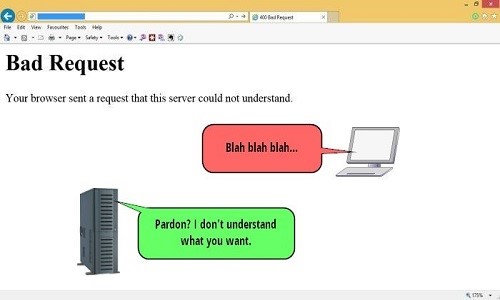
Error 400
Call wrong – Bad Request
When the show was a request sent to the browser, you were a server site with interference. The server can understand the request you are not making; this error often happens when information is submitted to the rules of the HTTP protocol. This error has been around for a while. The server requests that you understand and cannot ask you to do what remains for your fireproof sighting.
Error 401
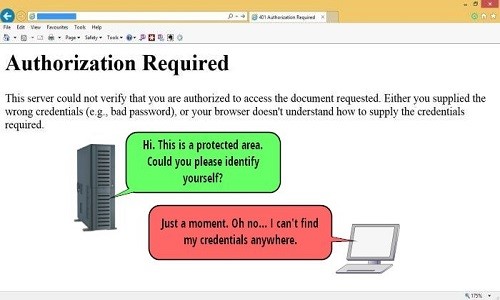
Request for invalid Authorization Required
The code means access is invalid and not permitted. This mode requires users to enter permissions, including the account’s name and password. In this case, the server can respond to a request from the type of WWW-Authenticate written to and from the user, which can be credited to the constant help.
Error 403
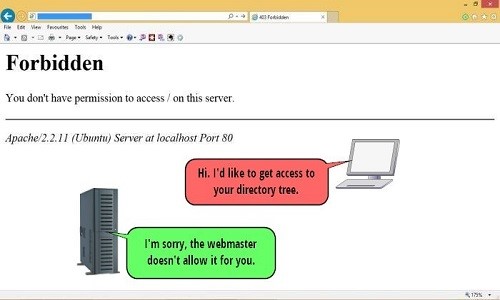
Access to non-authorized Forbidden
This code corresponds to the user request to the server that allows access to user data. The difference between this error and error 401 is that here, even the name of the username and password that the user can view is not included in the request. Usually, the SitSite is used to see some of the lists of the folders on the user’s inactive account, which can result when the application folder and source we have encountered an error 403.
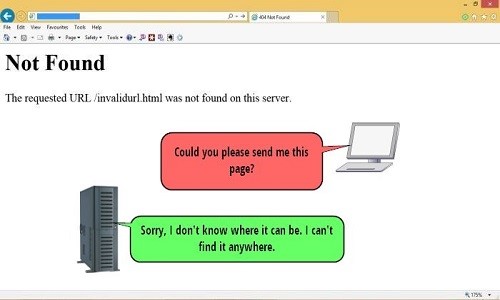
Error 404
Page about comments found no Not Found.
Much like the pages of files on a web server, there is a time limit for when the user’s request to the web server is processed. If the page is not found on the Web server, the user receives an error 404. The links are broken, and the address is invalid and wrong, leading to the emergence of this error.
Many SEO experts believe that a 404 error would lower the rank of sites because Google considers this error to be usually the web admin’s fault, as it affects the following day’s activities.
But if you plan to reduce the jump rate Or Bounce Rate on the work done now, you will have to address the invalid previous address, remove the photos, and redirect 302 to the new address.
However, the site’s address linked to the other site linked up to drive the yen might need to be301 redirected1 to the user’s current path address.
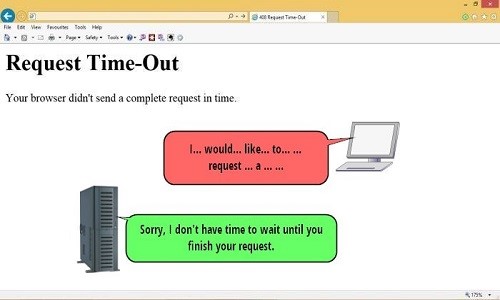
Error 408
End time request Request Time Out
If, during the write request, the server’s browser aborts the request, and the error is shown to the user, it is because the request was not received due to the user’s decision. One of the causes of error is. 408 This is the amount of processing on the server to be.
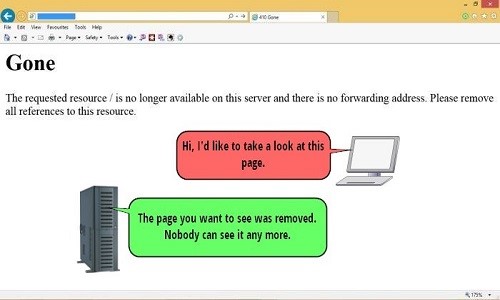
Error 410
Remove Gone Source
This error is very similar to error 404, except that, unlike error 404, it indicates that the data is available and that the user can request it. Still, the error 410 sources should be removed entirely.
The code means removing the request’s persistent source from the server you are on.
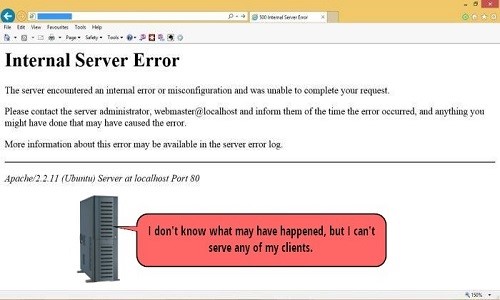
Error 500
Error: Internal Server Error
This error may occur when no server impediment indicates the requesting user. And this error in the Mrrgr show has to be.
This error is not your solution; you can cache the browser, and cookies are set by eliminating email and the browser itself to reopen the session.
If you want the error, check with Google Webmaster to see.
If you use SabhWebsitee to connect, and this error to the sites you before the service provider hosts the call by file access and plugs in the installation by the reviews, you can likely have problems likely to meet you.
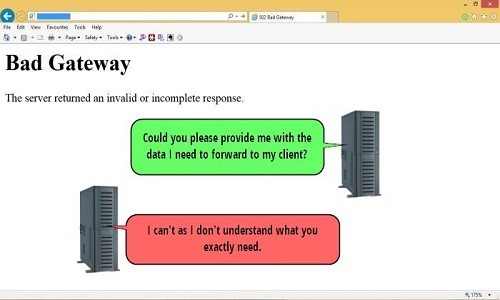
Error 502
Problem with the Bad Gateway main servers
This error occurs when one of the servers can make a Gateway or Proxy call credible. It is one of HTTP’s status codes because the error title is identified.
Though this error is new or old, or browser, new or old, class 5XX is the server’s fault.
The following error is due to the failure to get the call right from the servers. The server’s current status before the same gate in the middle of the action is between the server’s prominence.
Intermediate use gates in the middle of the case Bowers error 502 a few times, even if the user tries, which may be the fault of the move.
Error 503
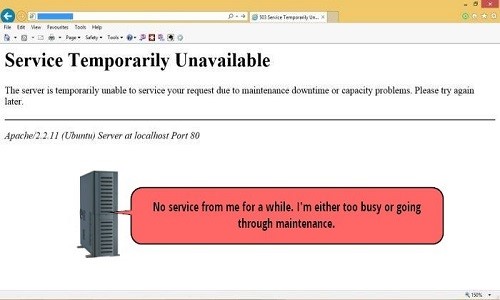
Service out of the reach of Service Temporarily Unavailable
This error occurs when there is that to the volume of traffic is much harder to server access. In this case, the temporary can, and with time, the error falls under the umbrella.
This error may not negatively impact the site’s performance, so website owners should attribute the failure to the whole.
Error 504
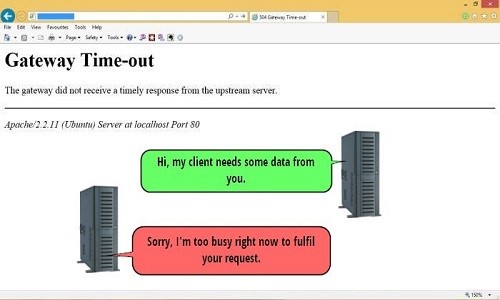
The maximum time gate mid-gateway Time Out
This error indicates which servers to fail over to as a Gateway. The servers upstream of the maximum time allowed to answer a track fail.
This error differs from error 408 in that it occurs as long as the relationship between the two server data sources can be established.
In Go, the error would be to access the network, fix it, and then fix it.
 FAQ
FAQ
What causes common network error messages?
Network errors often stem from connectivity issues, incorrect settings, or hardware and software problems.
How can I fix a network error quickly?
Restart your router, check cables, update drivers, or run network diagnostics to identify and resolve the issue.
When should I seek advanced help?
If errors persist after basic troubleshooting, consult IT support or a network specialist for deeper diagnostics.