

What Is an IP Leak — And How to Detect If Your Real IP Is Exposed

IP Leak: The VPN tool’s job is to replace the user’s IP address with a fake one, allowing the user to remain anonymous online.
Sometimes, however, the user’s actual IP address is revealed due to a phenomenon called IP Leak.
IP Leak: VPN, which stands for Virtual Private Network, is a great way to secure users. One of the most important reasons to use a VPN is to mask users’ confirmed IP addresses and physical locations.
Conversely, when using a VPN, all your Internet traffic is encrypted and routed through a secure virtual tunnel. Because of this virtual tunnel, hackers cannot access your information.
One use of VPNs is to access websites you cannot access geographically (due to sanctions or filtering) by changing your IP address.
VPN service providers use techniques to hide users’ IP addresses, including using a shared IP address and not keeping logs. However, it is still possible to reveal your IP address despite using a VPN, an issue known as IP Leak.
What is IP Leak?
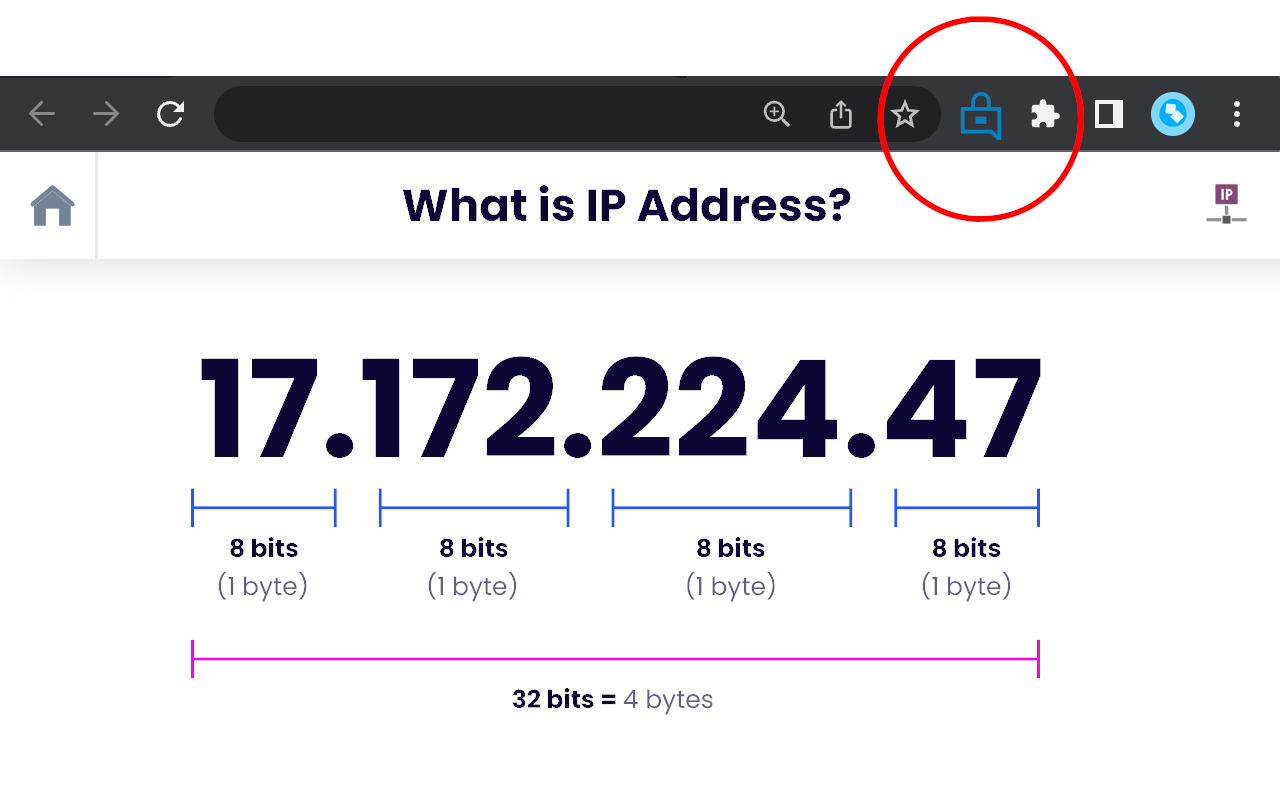
This means revealing the user’s actual IP address despite using a VPN. This happens when the user’s computer or device, without the user’s knowledge, uses the default server instead of the anonymous VPN server. We see this in situations where we cannot access a website or service from our country’s IP address.
If you use a VPN, your IP address will be replaced with one from another country, and the VPN will appear to be in a region other than your home location.
However, even after using a VPN, you may still be unable to access the website you want, and this is where your actual IP address is being tracked. This means the VPN is leaking the IP address (IP Leak).
It is interesting to note that in many cases, the VPN server is not to blame for the IP address being leaked; instead, most of the vulnerabilities in technologies such as browser plug-ins (such as Flash), browsers themselves, mobile operating systems, etc., are the cause of this.
In some cases, DNS Leak also allows users to specify the DNS server IP address. Of course, you should know that many DNS servers use the built-in DNS leak protection structure to prevent this problem.
How to find IP Leak?
To find out, first make sure you are not connected to a VPN, then log in to Google and enter “what is my IP address” to get your actual IP address.
In the second step, log in to your VPN account, select the desired server, and connect to it.
Now go back to Google and see your IP address as before by entering the phrase “what is my IP address.” If the displayed geographical area matches the one you selected in the VPN, that is not a problem. But if it shows the same as the previous, original IP, it indicates an IP Leak.
Of course, you should know that websites are also available for IP Leak testing, such as https://tenta.com/test/.
FAQ
What exactly is an IP leak?
An IP leak occurs when your real public IP address is exposed despite using a VPN or similar privacy tool, letting websites or observers see your actual location and ISP.
How can an IP leak happen?
It can happen due to misconfigured VPNs, DNS or WebRTC leaks (when DNS requests or WebRTC traffic bypass the VPN tunnel), or because the VPN doesn’t properly handle IPv6 traffic.
How do I know if my IP is leaking?
Use an IP-leak detection website or tool — if it shows your real IP (or correct country/ISP) instead of your VPN’s, then you’re leaking. Also check for DNS and WebRTC leaks for a full picture.