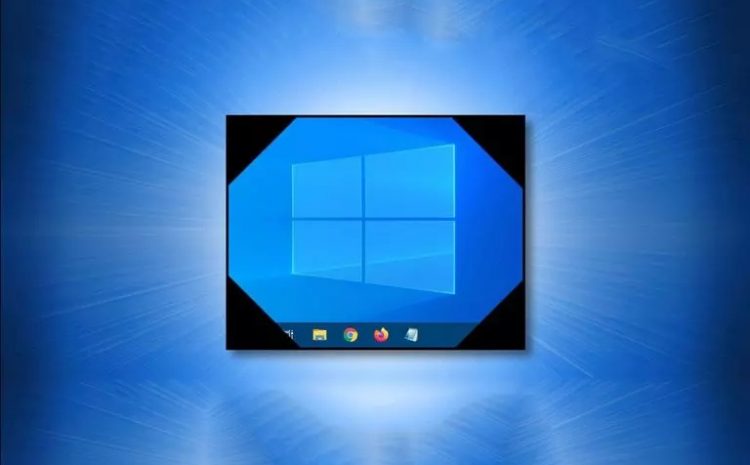
Taking screenshots is a quick way to save part or all of the screen. Fortunately, taking screenshots in Windows 10 is simple and can be done in several ways. How to take a Screenshot in…
Starting Windows in Safe Mode is the best option if you cannot access your System. There are many ways to do this, depending on the circumstances, one must be chosen. One common way to troubleshoot…
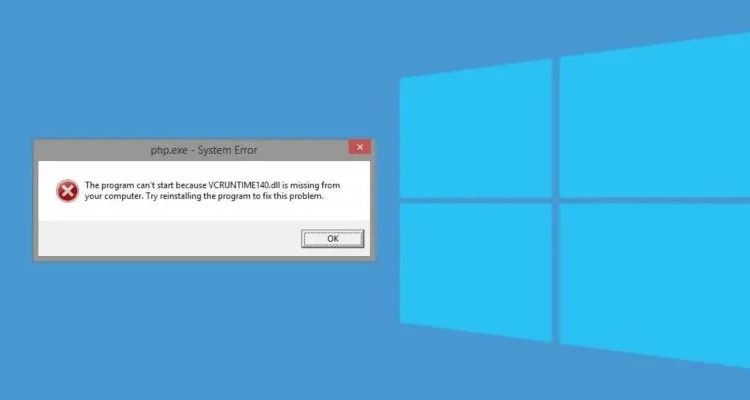
Usually, errors related to missing a DLL File are software errors. VCRUNTIME140.dll error is one of these errors that occurs due to the improper installation of specific software or after updating Windows. You will often…
Hard Disk Simulation: This article teaches you how to simulate a hard drive without losing data and transfer its contents to another drive without modification. Transfer Windows, (B) Based on an article by Pocket-Lint, perhaps,…
There are many reasons to shoot video from Windows and other operating systems. You might want to record a video for YouTube, make a software tutorial video, or create a complete presentation for your business.…
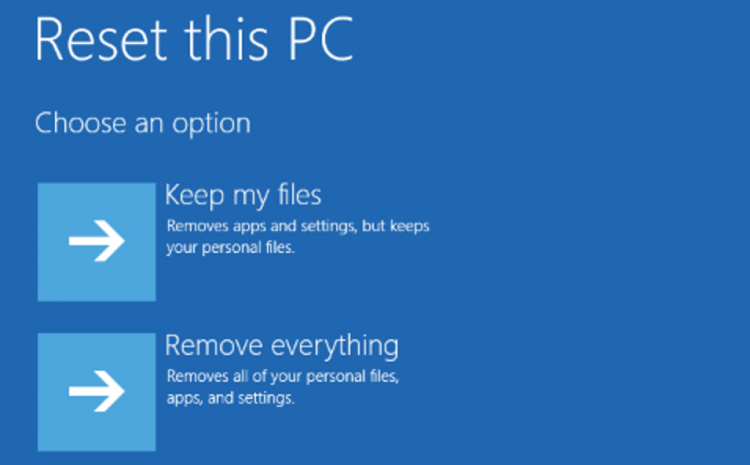
You may have to reset Windows 10 to factory Settings in several situations. For example, if you want to sell your laptop or Desktop or if your computer’s operating System has a problem, you want to…
Although the speed of computers, which are incredibly useful and practical machines without which life is now impossible for humans, has greatly increased since the invention of computers, we still sometimes have to wait to…
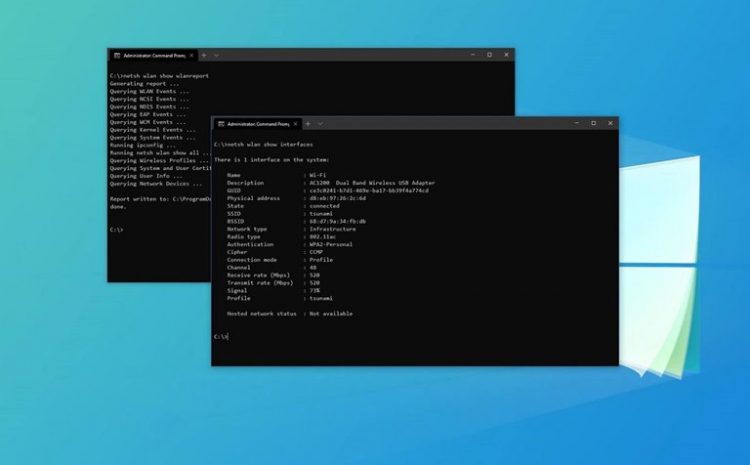
One way to manage a wireless network is to issue a command in the Windows 10 Command Prompt, which we will teach you how to do in the following. Although you can manage various aspects…
If you use your computer for study or work, you will most likely turn it on at a specific time. If you do this manually, you have to wait a few minutes for the computer…
SysMain: Windows 10 is a lot better than previous operating System versions, but of course, if it is not configured correctly, its speed and performance will slow down. There are several ways to speed up…