


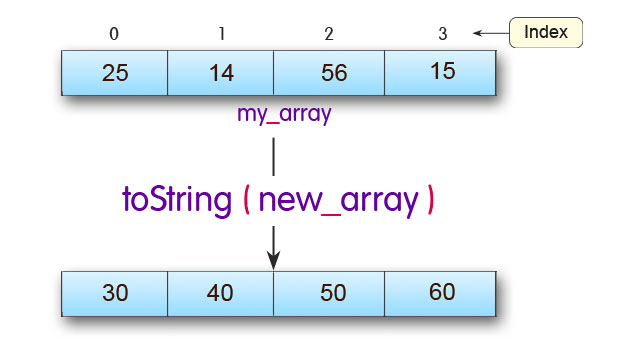
In this tutorial, you will learn about different methods that you can use to copy arrays (both one-dimensional and two-dimensional) in Java.
There are several techniques you can use to copy arrays in Java.
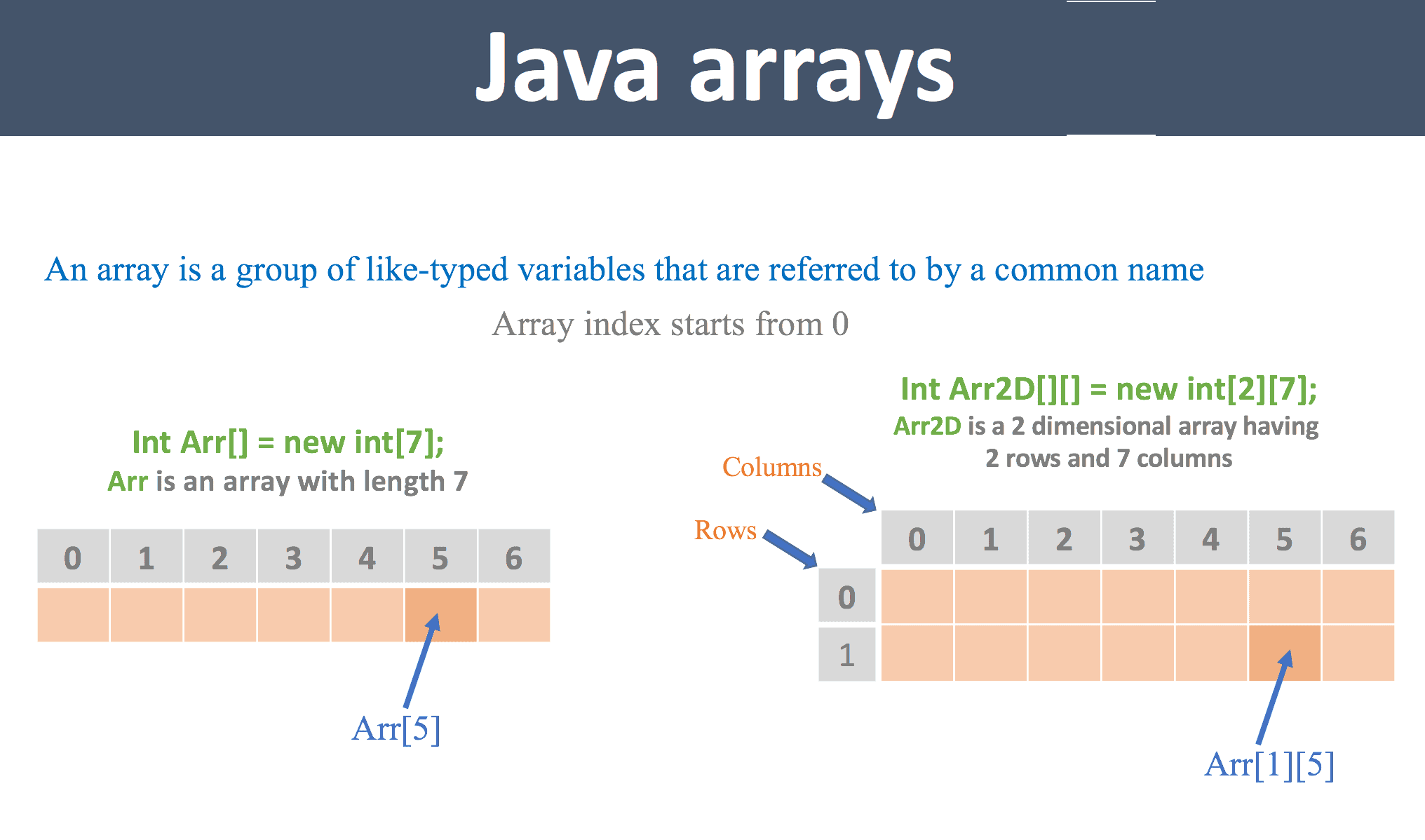

Copy arrays using the assignment operator
Let’s take an example,
- class CopyArray {
- public static void main (String [] args) {
- int [] numbers = {1, 2, 3, 4, 5, 6};
- int [] positiveNumbers = numbers; // copying arrays
- for (int number: positiveNumbers) {
- System.out.print (number + “,“);
- }
- }
- }
Output
1, 2, 3, 4, 5, 6
Although this method seems quite efficient for copying arrays, there is a problem with it.
If you change the elements of one array in the example above, the elements of the other array will also change.
- class AssignmentOperator {
- public static void main (String [] args) {
- int [] numbers = {1, 2, 3, 4, 5, 6};
- int [] positiveNumbers = numbers; // copying arrays
- numbers [0] = -1;
- for (int number: positiveNumbers) {
- System.out.print (number + “,“);
- }
- }
- }
Output
-1, 2, 3, 4, 5, 6
When the first element of the numbers array changes to -1, the first element of the positiveNumbers array also changes to -1 because both arrays point to the same array object.
This is called surface copy.
Most of the time, however, we need a deep copy rather than a shallow copy. A deep copy copies the values of the new array object’s properties.
2- Using the loop structure to copy arrays
Let’s take an example:
- import java.util.Arrays;
- class ArraysCopy {
- public static void main (String [] args) {
- int [] source = {1, 2, 3, 4, 5, 6};
- int [] destination = new int [6];
- for (int i = 0; i <source.length; ++ i) {
- destination [i] = source [i];
- }
- // converting array to string
- System.out.println (Arrays.toString (destination));
- }
- }
Output
[1, 2, 3, 4, 5, 6]
Here, the loop iterates over the elements of the source array. In each iteration, the corresponding component of the source array is copied to the destination array.
The source and destination arrays do not share the same reference (i.e., they are not a deep copy). This means that if the elements of one array (source or destination) change, the elements of the other array will remain unchanged.
The toString () method converts arrays to strings (for output only).
There is a better way (better than loops) to copy arrays in Java using arraycopy () and copyOfRange ().
3. Copy arrays with arraycopy ()
The System class contains an arraycopy () method that allows you to copy data from one array to another.
The arraycopy () method is efficient and flexible. This method enables you to copy a specific portion of the source array to the destination array.
public static void arraycopy (Object src, int srcPos,
Object dest, int destPos, int length)
here,
- src – The variety you want to copy
- srcPos – Start position (index) in the rc array
- dest – The elements of the src array are copied to this array
- destPos – Start position (index) in the destination array
- length – The number of elements to copy
Let’s take an example:
- // To use Arrays.toString () method
- import java.util.Arrays;
- class ArraysCopy {
- public static void main (String [] args) {
- int [] n1 = {2, 3, 12, 4, 12, -2};
- int [] n3 = new int [5];
- // Creating n2 array of having length of n1 array
- int [] n2 = new int [n1.length];
- // copying entire n1 array to n2
- System.arraycopy (n1, 0, n2, 0, n1.length);
- System.out.println (“n2 =” + Arrays.toString (n2));
- // copying elements from index 2 on n1 array
- // copying element to index 1 of n3 array
- // 2 elements will be copied
- System.arraycopy (n1, 2, n3, 1, 2);
- System.out.println (“n3 =” + Arrays.toString (n3));
- }
- }
Output
n2 = [2, 3, 12, 4, 12, -2]
n3 = [0, 12, 4, 0, 0]
Note that the default initial value of the elements of an array is the integer 0.
4- Copy arrays with the copyOfRange () method
Additionally, you can use the copyOfRange () method defined in the Java—uti—arrays class to copy arrays. You do not need to create a destination array before using this method.
Here’s how to do it.
- // To use toString () and copyOfRange () method
- import java.util.Arrays;
- class ArraysCopy {
- public static void main (String [] args) {
- int [] source = {2, 3, 12, 4, 12, -2};
- // copying entire source array to destination
- int [] destination1 = Arrays.copyOfRange (source, 0, source.length);
- System.out.println (“destination1 =” + Arrays.toString (destination1));
- // copying from index 2 to 5 (5 is not included)
- int [] destination2 = Arrays.copyOfRange (source, 2, 5);
- System.out.println (“destination2 =” + Arrays.toString (destination2));
- }
- }
Output
destination1 = [2, 3, 12, 4, 12, -2]
destination2 = [12, 4, 12]

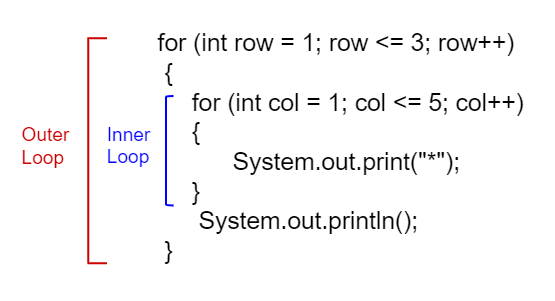
Copy two-dimensional arrays using loops.
There is an example of copying irregular two-dimensional arrays using loops:
- import java.util.Arrays;
- class ArraysCopy {
- public static void main (String [] args) {
- int [] [] source = source
- {1, 2, 3, 4},
- {5, 6},
- ۰ 0, 2, 42, -4, 5.
- };
- int [] [] destination = new int [source.length] [];
- for (int i = 0; i <destination.length; ++ i) {
- // allocating space for each row of destination array
- destination [i] = new int [source [i] .length];
- for (int j = 0; j <destination [i] .length; ++ j) {
- destination [i] [j] = source [i] [j];
- }
- }
- // displaying destination array
- System.out.println (Arrays.deepToString (destination));
- }
- }
Output
[[1, 2, 3, 4], [5, 6], [0, 2, 42, -4, 5]]
We used the Arrays.deepToString() method in the code above. deepToString() provides a clearer view of a multidimensional array, such as a 2D array.
You can replace the inner loop of the above code with System.arraycopy () or Arrays. copyOf () like a one-dimensional array.
Here is an example of doing the same with arraycopy().
- import java.util.Arrays;
- class AssignmentOperator {
- public static void main (String [] args) {
- int [] [] source = source
- {1, 2, 3, 4},
- {5, 6},
- ۰ 0, 2, 42, -4, 5.
- };
- int [] [] destination = new int [source.length] [];
- for (int i = 0; i <source.length; ++ i) {
- // allocating space for each row of destination array
- destination [i] = new int [source [i] .length];
- System.arraycopy (source [i], 0, destination [i], 0, destination [i] .length);
- }
- // displaying destination array
- System.out.println (Arrays.deepToString (destination));
- }
- }
FAQ
What are common ways to copy arrays in Java?
You can copy arrays using loops, System.arraycopy, Arrays.copyOf, or cloning.
Why would you need to copy an array?
To preserve the original data while working with a duplicate.
How do you copy an array with Arrays.copyOf?
Use Arrays.copyOf(original, newLength) to create a new array with copied elements.